
Frequently Asked Questions
Clear answers about subscriptions, digital editions, print delivery, and everything else about your COMPUTE!’s Gazette experience.
Before You Subscribe
Which computers does the Gazette cover?
All the 8-bit machines, not just Commodore. Every issue carries Commodore 64, 128, VIC-20 and Amiga coverage alongside regular columns on Atari 8-bit (Atari Outpost, written by Jerry White), FujiNet (by Thomas Cherryhomes), MEGA65, the Commander X16, TI-99, and Tandy/TRS-80. If you grew up with any 8-bit machine, there’s something here for you every month.
What’s actually in an issue?
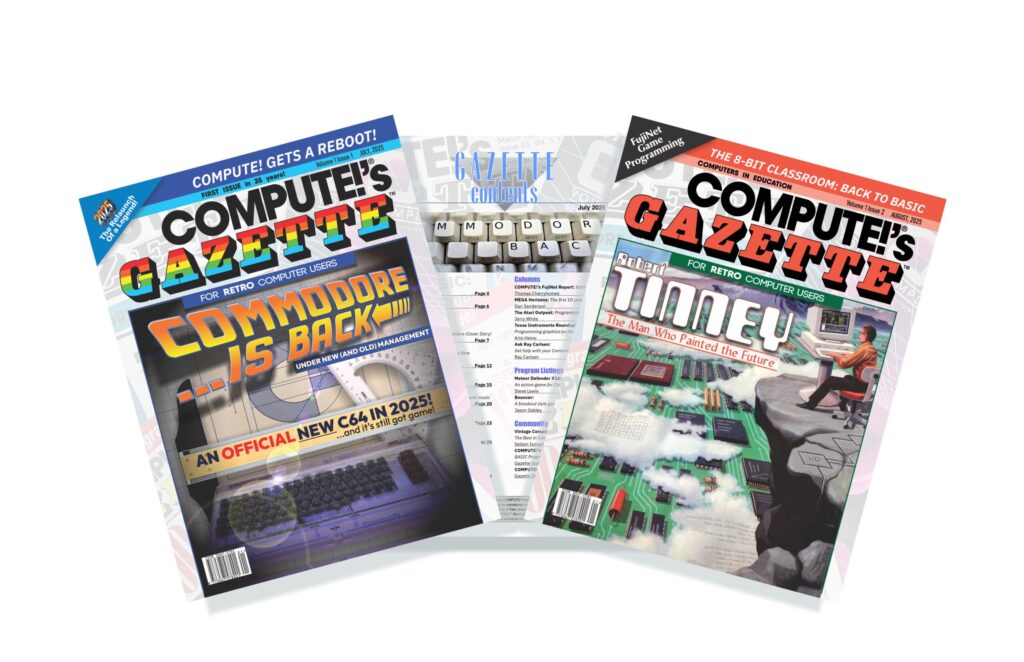
Type-in program listings, machine language and BASIC tutorials, hardware reviews of modern peripherals for classic machines, interviews with the people who wrote the original software, and monthly columns from more than thirty contributors. Full color, in print and digital.
Can I see one before subscribing?
Yes. A free digital edition is available in the shop, no purchase required.
What subscription plans are available?
Three:
- Monthly Print+Digital — a printed issue in your mailbox each month, plus the digital edition.
- Monthly Digital Only — the digital edition of every issue, on release day.
- International Quarterly Print+Digital — digital editions monthly, with printed issues shipped three at a time every third month to substantially reduce international postage.
All are month-to-month and can be cancelled anytime.
Starting Your Subscription
When does my subscription start?
Immediately. Every subscription includes the current issue’s digital edition the moment you sign up, whatever day of the month it is. Log in to your account and it’s under Downloads.
When will my first printed issue arrive?
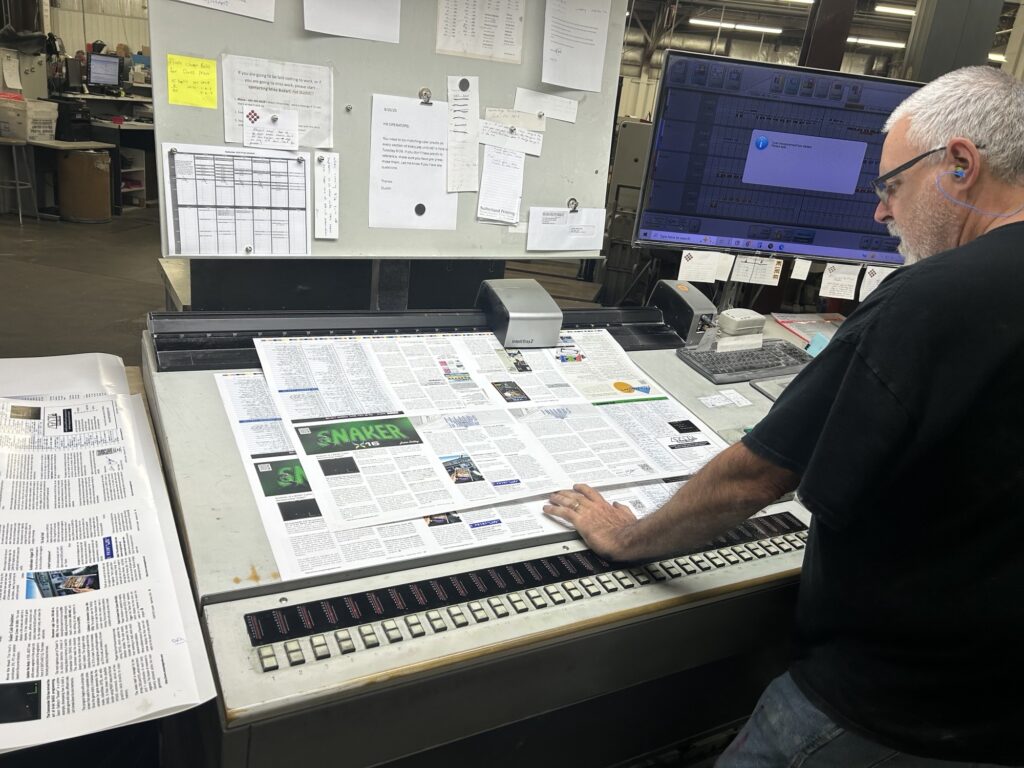
The Gazette is printed and mailed in a single batch each month, and the mailing list closes on the 8th. Once that list goes to the printer, we can’t add anyone to an issue already on its way to the post office.
- Subscribe on or before the 8th — your print run starts with the current month’s issue.
- Subscribe after the 8th — your print run starts with next month’s issue.
Either way, you’ll have the current digital edition to read in the meantime.
Does my subscription include past issues?
No. A subscription starts with the current issue and runs forward. See the back issues section below for catching up.
Managing Your Subscription
How do I update my credit card?
Log in to your account, open your subscription, and update the payment method there. If you have trouble, write to us and we’ll help. Please don’t create a second subscription to fix a card problem, as that results in double billing.
Can I switch plans or cancel?
Yes, both from your account page, anytime. No phone calls and no retention scripts.
I think I subscribed twice.
It happens, usually when a first attempt appears to fail but actually goes through. Email us with the address on your account and we’ll cancel the extra subscription and refund any overlapping charges.
I subscribed through PayPal and my subscription doesn’t show in my account.
Your subscription is on our legacy PayPal system. In July 2025 we moved to a web-managed system, and while PayPal subscriptions still work perfectly well, they’re processed manually and don’t sync with the dashboard on this site.
We recommend switching, both so your account displays correctly and to avoid delivery issues:
- Sign up for a new subscription at shop.computesgazette.com
- Email us to let us know
- We’ll verify the new account, cancel the PayPal subscription manually, and refund any overlapping charges
Billing
My orders page shows several charges around the same date. Was I billed twice?
Almost certainly not. When a renewal payment is declined, our system retries it over the following days, and each attempt appears in your order history. Only the successful one is charged. If you’re unsure, write to us and we’ll confirm against our payment records.
Why does my account show an order dated in the future?
That’s your next scheduled renewal, not a charge. It appears in advance so you can see when the next payment is due.
My payment failed and my subscription is on hold.
Update your card from your account page and the subscription reactivates. If a printed issue was mailed while your subscription was on hold, contact us and we’ll make sure you aren’t skipped.
Digital Editions
What format are they, and can I read them on more than one device?
Full-color PDF, readable on smartphones, tablets, and computers. Download them as often as you like, on as many devices as you like.
Where do I find my downloads?
Log in and open the Downloads section of your account. If nothing’s there, check you’re logged in under the email address you subscribed with, then contact us.
Why do I see more than one download for a single issue?
Issues that include disk images list each file separately, so you may see the PDF plus a Gazette Disk and a GEOS Disk as three entries. That’s expected. If you see the same file listed twice, tell us and we’ll clean it up.
How long do I have access?
Indefinitely. Anything in your account stays there.
Print Editions
Where do you ship?
Worldwide. International subscribers may prefer the Quarterly plan, which bundles three issues into one shipment to reduce postage substantially.
My issue arrived damaged or misprinted.
Send us a photo and we’ll mail a replacement. No need to return the damaged copy.
My issue hasn’t arrived.
Allow a little longer than you’d expect, particularly for international deliveries, then contact us and we’ll look into it or send a replacement.
Back Issues
Do you offer back issues?
Digital back issues are always available and never sell out. You can buy them individually, or get issues 1–12 together in the Year One Complete digital archive at a substantial saving over buying them separately.
Printed back issues are far more limited. They’re generally extra copies from the original print run, and once they’re gone we don’t reprint, since short print runs are prohibitively expensive.
Type-In Programs
Do I have to type the programs in?
No. Listings are also provided as ready-to-run files on the monthly Gazette Disk that accompanies your issue. Typing them in is optional, though it’s half the fun.
A listing doesn’t work, or the Automatic Proofreader checksums don’t match.
Errors occasionally survive layout and proofing. Verified downloads and any corrected checksum tables are posted in the shop, and corrections run in the following issue. If you’ve found an error we haven’t caught, please tell us.
Still Need Help?
Write to us at support@computesgazette.com and we’ll help you sort it out.
Start your Subscription Today
Ensure you never miss an issue of COMPUTE!’s Gazette Magazine